An example Rails app showing how to integrate Sprockets with a Node.js-based asset pipeline, using Browserify.
First, clone the repo somewhere locally:
$ git clone [email protected]:spikebrehm/sprockets-node-example.git
Then, run bundle install and npm install to install Ruby and JavaScript dependencies:
$ bundle install
$ npm install
Now you should be able to to run the Rails server:
$ rails server
Check out the app running at http://localhost:3000.
This Rails app is a simple implementation of the TodoMVC Backbone app.
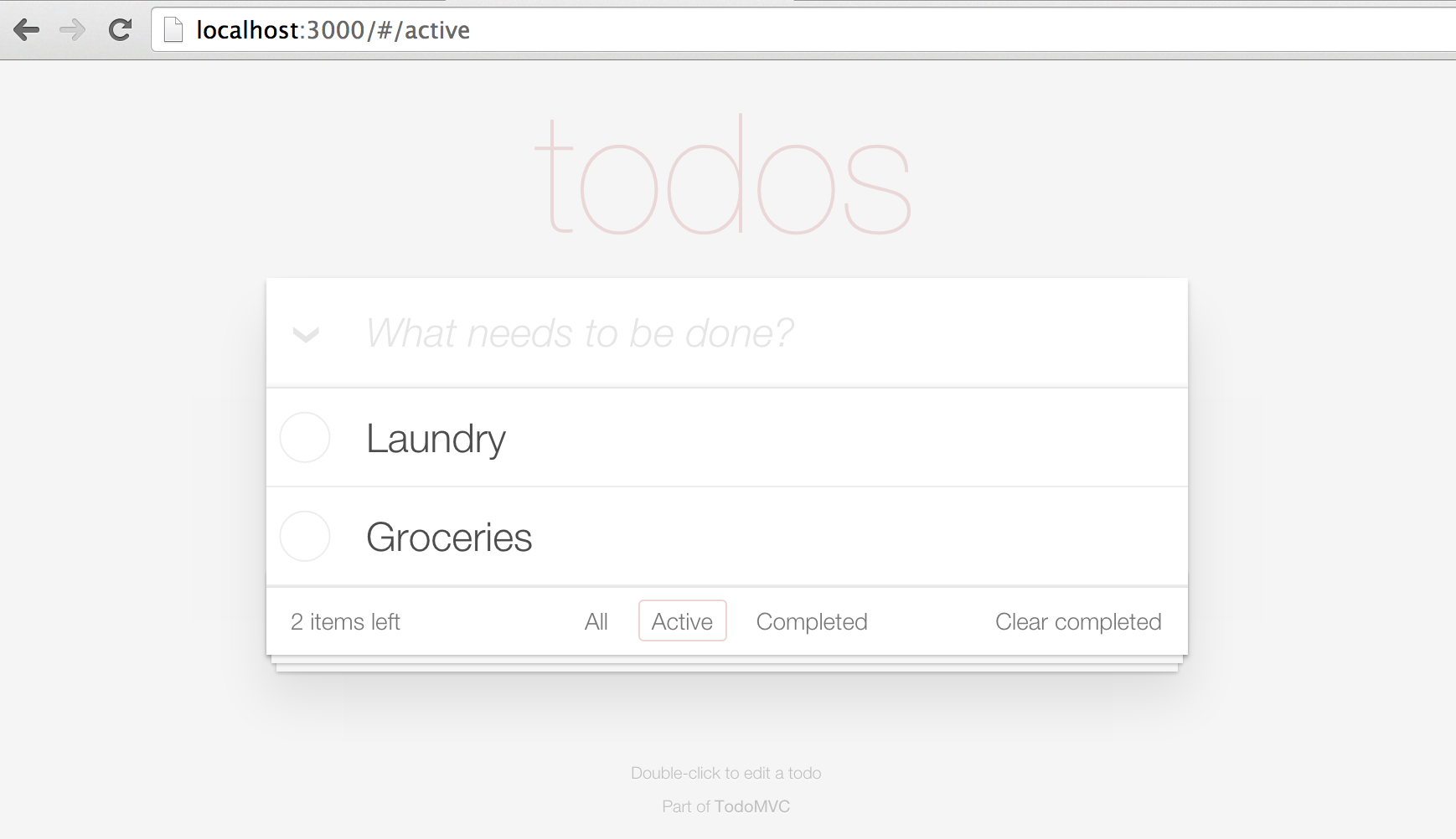
We've implemented two different versions of the TodoMVC Backbone app:
- The default TodoMVC code, using Sprockets to manage the JavaScript assets (
http://localhost:3000). - The TodoMVC code refactored to use CommonJS to manage the JavaScript assets (
http://localhost:3000/commonjs).
We built a custom Tilt template to handle the file extension .bundle.js, which we'll use to indicate CommonJS bundles. We've called our Tilt template BrowserifyTemplate, and it lives at lib/browserify_template.rb.
The BrowserifyTemplate shells out on the commandline to a Node.js script that takes the path to a .bundle.js file, calls Browserify, and returns the output as STDOUT. See script/assets/tasks/bundle.js.
$ ./script/assets/tasks/bundle.js --path app/assets/javascripts/commonjs/manifest.bundle.js
BrowserifyTemplate captures the STDOUT output and hands it back to Sprockets to manage.