Create a UI Image in Unity from Figma Designs with just a few clicks!
Unity 2022.4 or later versions.
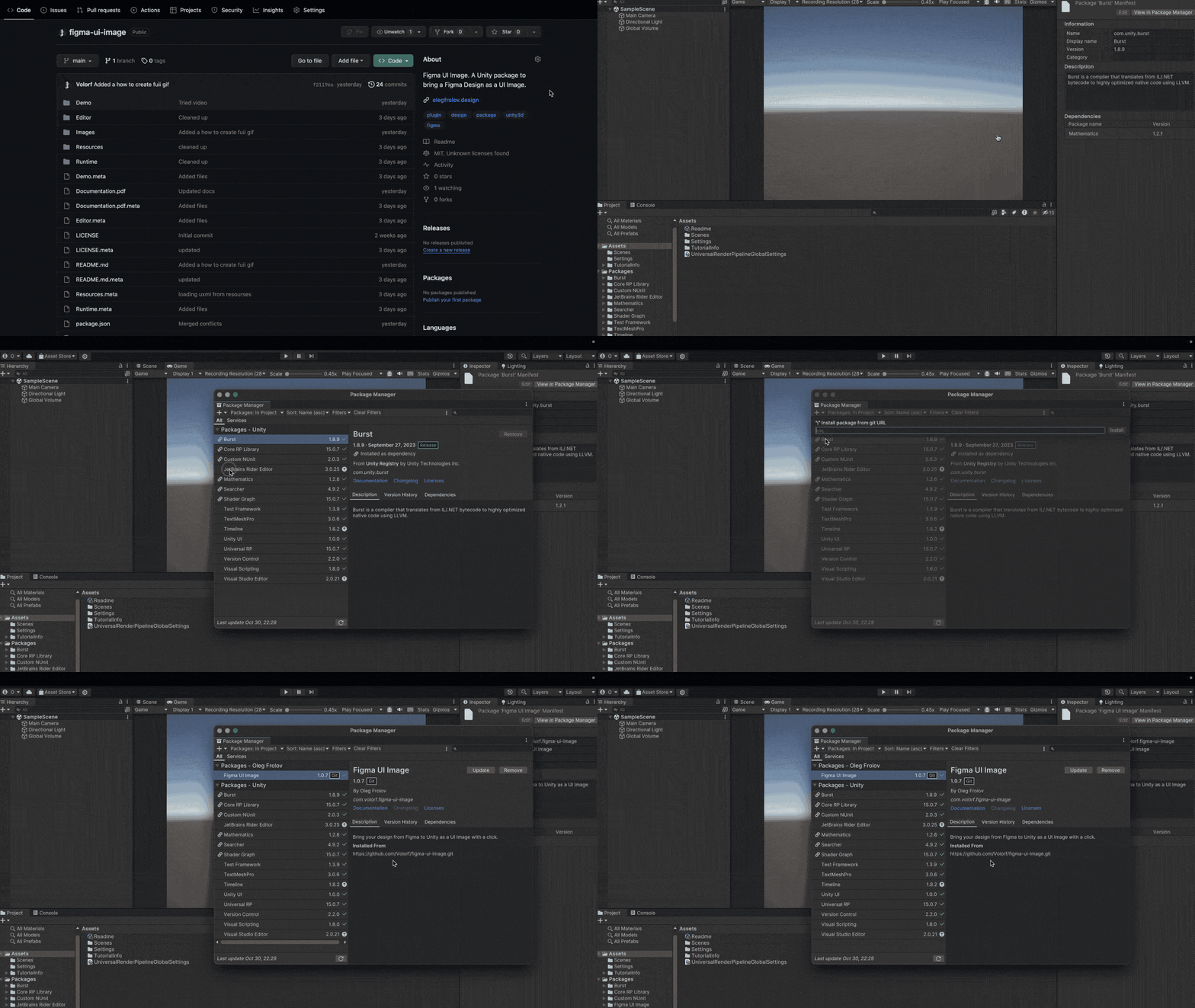
- Copy
Git URL; - Open
Window/Package Manager; - Add the
Git URL.
To do that you need a few things:
Figma Access Token;Figma Linkto a design you want to get as a image;- Set up
Figma UI Image.
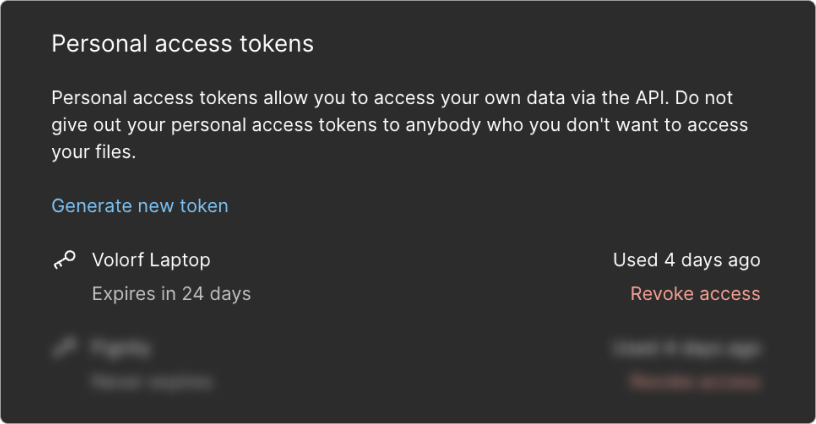
- Open
Figma Settings/Account/Personal access tokens; - Click the
Generate new tokenbutton and copy the token.
Tip
Learn more about it here
- Select your design in Figma;
- Press the
Sharein the top right corner of Figma and copy the link.
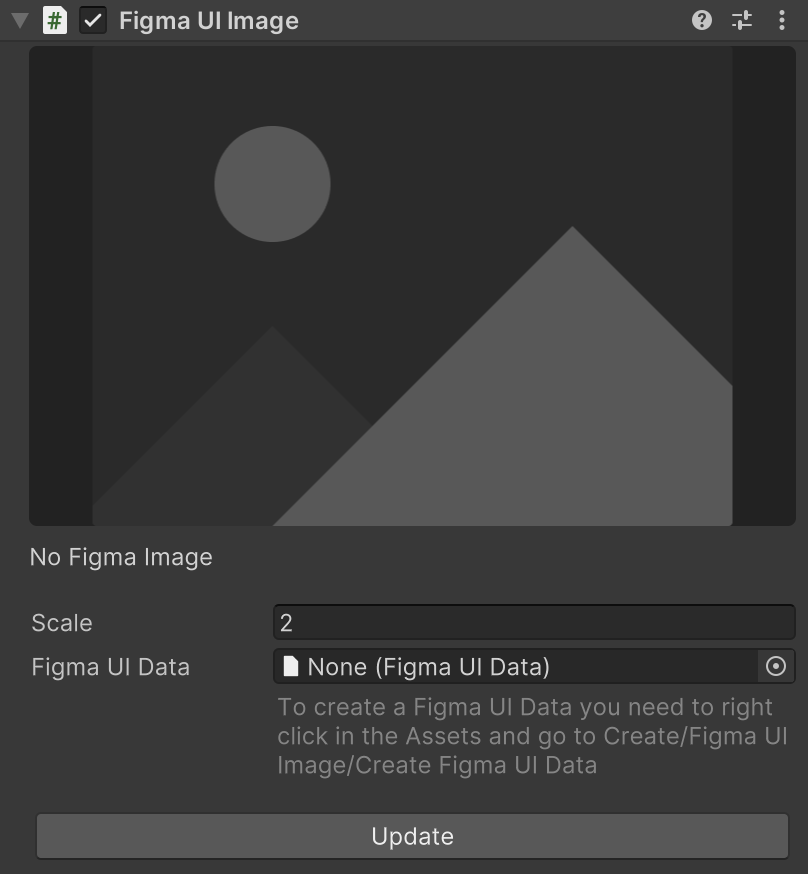
- Select
Canvasand Right Mouse Click (call a context menu); - Select
UI/Figma UI Image; - Create
Figma UI Data, paste there your token and link and add drag it into the slot.
Figma UI Image is an open-source project I am developing in my spare time. If you like it, you can support me with a few cups of coffee.
Twitter | Linkedin | Dribbble | Personal Site